Buying guide · Updated 2026-08-10
How to Choose an AI Recorder
The shortest route to a good shortlist is to rule products out with hard constraints before comparing attractive features. Start with recording mode, language, budget, and data handling.
1. Define the recording mode
Phone calls need a product that explicitly supports phone-call capture. Online meetings may be better served by a desktop dock or software. A wearable optimized for conversations is not automatically a call recorder.
2. Set a real budget
Add hardware, the plan needed for your monthly minutes, required accessories, and the billing period you must pay upfront. Ignore temporary promotions in the baseline.
3. Check the missing facts
Unknown and not disclosed mean different things. Unknown means our research is incomplete; not disclosed means the vendor does not publish the value in the reviewed source. Neither should silently become a favorable assumption.
4. Inspect export and deletion
Before buying, confirm whether you can export original audio and text, whether the service offers account deletion, and whether losing a subscription changes access to prior recordings.
5. Trace the storage and access path
Write down where the original audio begins, where it is uploaded, who can open it, and how long each copy remains. Platform tools can also vary: Microsoft documents that Teams recordings are stored in OneDrive or SharePoint and that organizers can restrict recording and transcript access.
6. Choose a fallback before you need one
Confirm how to recover audio when transcription fails, the phone is offline, the vendor service is unavailable, or a plan expires. Prefer a workflow that leaves you with a standard audio file and transcript rather than only an AI-generated summary.
Continue with the data
Use the AI voice recorder database to apply these constraints, then build a private side-by-side comparison with unknown and undisclosed fields left visible.
See the checklist applied
- Best voice recorders with transcription — Apply the checklist to physical recorders using transcription timing, minutes, paid paths, export, privacy, and three-year cost.
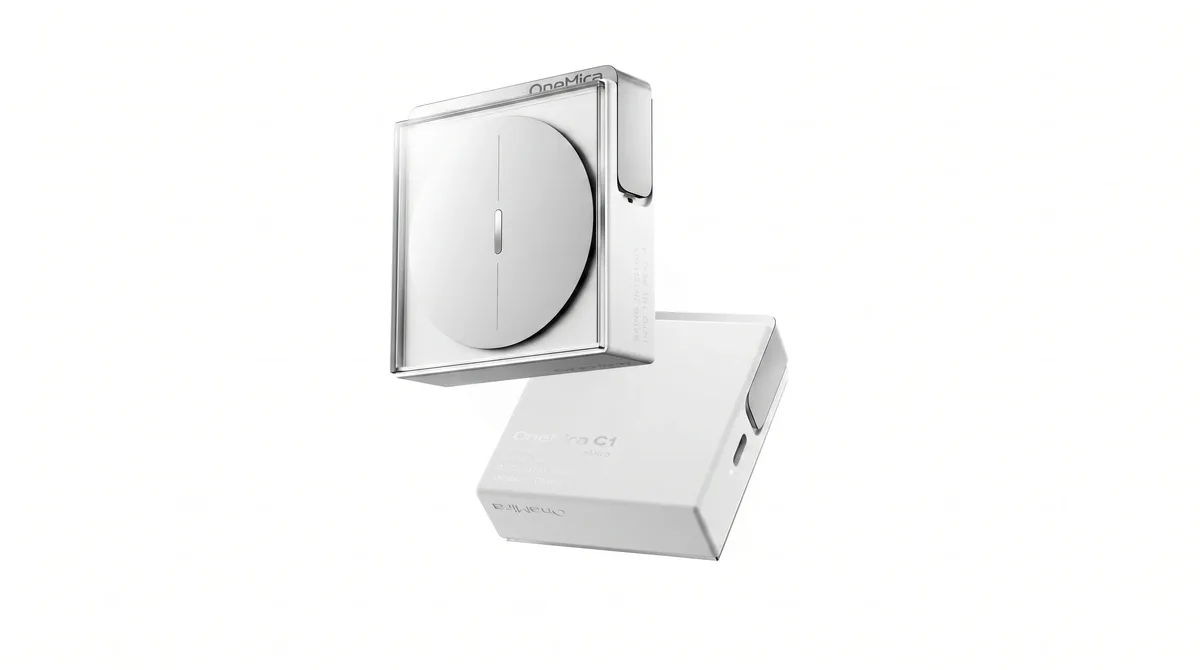
- OneMira C1 product facts — A desk-first example of local computer transcription, open Markdown files, and no required OneMira subscription.
- PLAUD Note Pro vs Notta Memo — Apply price, translation, storage, and endurance constraints to two card recorders with the same included monthly minutes.
- TicNote vs PLAUD Note Pro — See how included minutes and research outputs trade against maximum endurance and paid plan options.
Sources and method
This guide applies the site's published evidence rules rather than claiming hands-on product testing. Last material change: Added source-backed examples that apply the checklist to current product and comparison records.